
Presenter Guidelines
Presenter Instructions
The conference is held over two days. Conference presentations are scheduled for the first day, July 4th. TASME’s 30th celebrations will be held on the second day, July 5th. There will be four parallel hybrid sessions for presentations, with on-site locations for in-person presentations and Zoom links for virtual presentations. The Zoom links and the physical locations are listed below, followed by the presentation guidelines.
Presentation Location/Zoom Link Table
| Channel 1 | Channel 2 | Channel 3 | ||
|---|---|---|---|---|
| Zoom Link | https://channel1.tasmeconference.org | https://channel2.tasmeconference.org | http://channel3.tasmeconference.org | |
| Room | EV140 | EV502 | EV531 | |
| Meeting ID | 849 4905 2792 | 823 2253 6326 | ID: 840 4139 1099 | |
| Note | Use Zoom links to connect. | Meeting IDs may not be current. | Check this website for updates. |
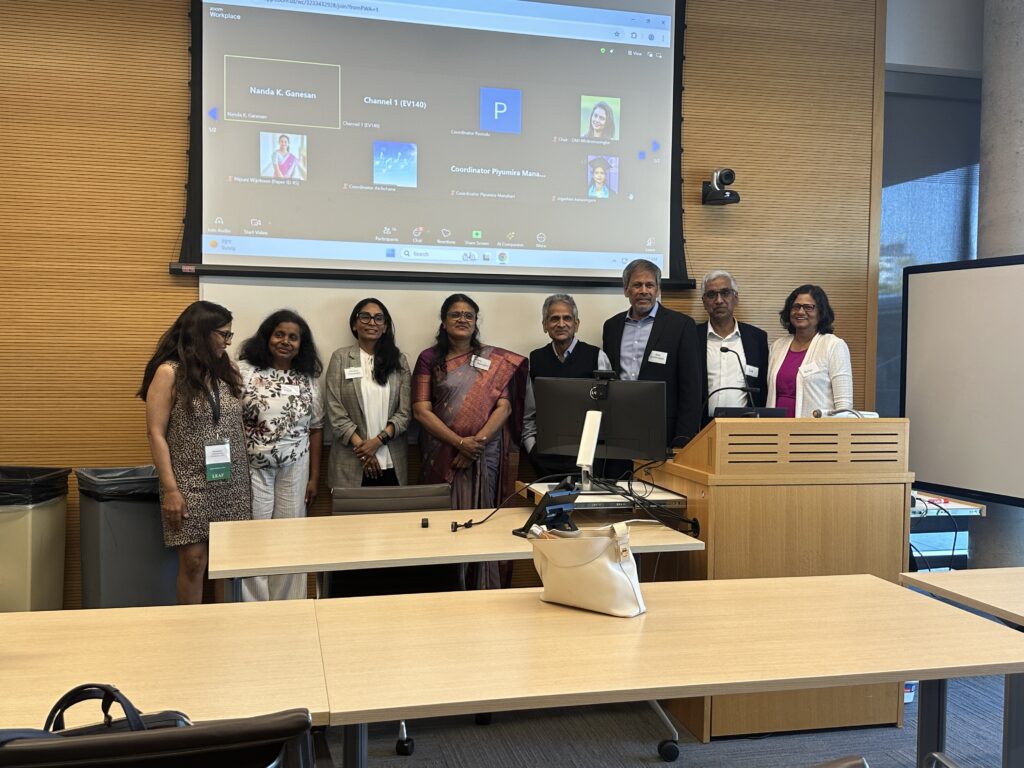
In-Person Oral and Poster Presenters
Zoom Location
- Note your time and day of presentation from the paper presentation schedule. Programs for both days are available under the “Conference Info” tab.
- Identify your presentation room or the Zoom location/Zoom link table posted on this page.
- Connect your computer to the Zoom meeting by clicking on the link and entering the passcode provided to you when you registered for the Conference.
Presentation
- You’ll need to be in the presentation location at least 15 minutes before your presentation, preferably at the beginning of the session.
- Please bring your laptop computer to the podium for presentation. In this case, we request that you join the Zoom meeting as well to present your abstract/paper.
- A laptop computer is also available for presentation. Your presentation will be uploaded to the computer. The laptop screen will be projected onto the screen and streamed via Zoom for virtual attendees to view.
- For oral presentation, the presentation duration is 15 minutes. The first minute is for a brief self-introduction, the next 10 minutes for the presentation, and the following three minutes for questions and answers. The last minute is for the changeover to the next presentation.
- For the poster presentation, the presentation duration is eight minutes, one minute for self-introduction and six minutes for the presentation. The last minute is for the changeover to the next presentation. There is no question-and-answer component.
- The starting and ending times will be strictly observed.
Note
- If you are not there on time to deliver the presentation, the presentation will be canceled, and the abstract or paper will not be included in the proceedings.
- The Zoom link for the presentation listed earlier on this page will become on the day of the presentation. The link can also be obtained from the July 4 schedule posted on this website.
Virtual Oral and Poster Presenters
Zoom Location
- Note your time and day of presentation from the Conference Program. Programs for both days are available under the “Conference Info” tab.
- Identify your Zoom link on the July 4 program schedule.
- Connect your computer to the Zoom meeting by clicking on the link and entering the passcode provided to you when you registered for the Conference.
Presentation
- You are required to enter the Zoom meeting at least 15 minutes before your presentation, preferably at the beginning of the session.
- For oral presentation, the presentation duration is 15 minutes. The first minute is for a brief self-introduction, the next 10 minutes for the presentation, and the following three minutes for questions and answers. The last minute is for the changeover to the next presentation.
- For the poster presentation, the presentation duration is eight minutes, one minute for self-introduction and six minutes for the presentation. The last minute is for the changeover to the next presentation. There is no question-and-answer component.
- When the Session Chair calls your name, start the presentation.
- It is important to have the camera unmuted so all the attendees can see the presenter.
- The laptop screen will be projected onto the screen and streamed for viewing by virtual attendees.
- At the end of the presentation, please stop sharing the screen and be ready to answer the questions.
- The starting and ending times will be strictly observed
Note
- If you are not present on time to deliver the presentation, the presentation will be canceled, and the abstract or paper will not be included in the proceedings.
- The Zoom link for the presentation listed earlier on this page will be available on the day of the presentation. The link can also be obtained from the July 4 schedule posted on this website.
